Your family tree, on your own computer
Clardware FamilyTree is free genealogy software for Windows that keeps your family tree in GEDCOM 7, the newest standard; it reads GEDCOM 5.5.1 too. Keep track of people and families, crop and tag photographs, clean up place names and put them on a map, and turn all of it into printable ancestor and descendant charts. Everything happens on your own machine: no account, no cloud, no internet connection required.
Download for Windows See all features
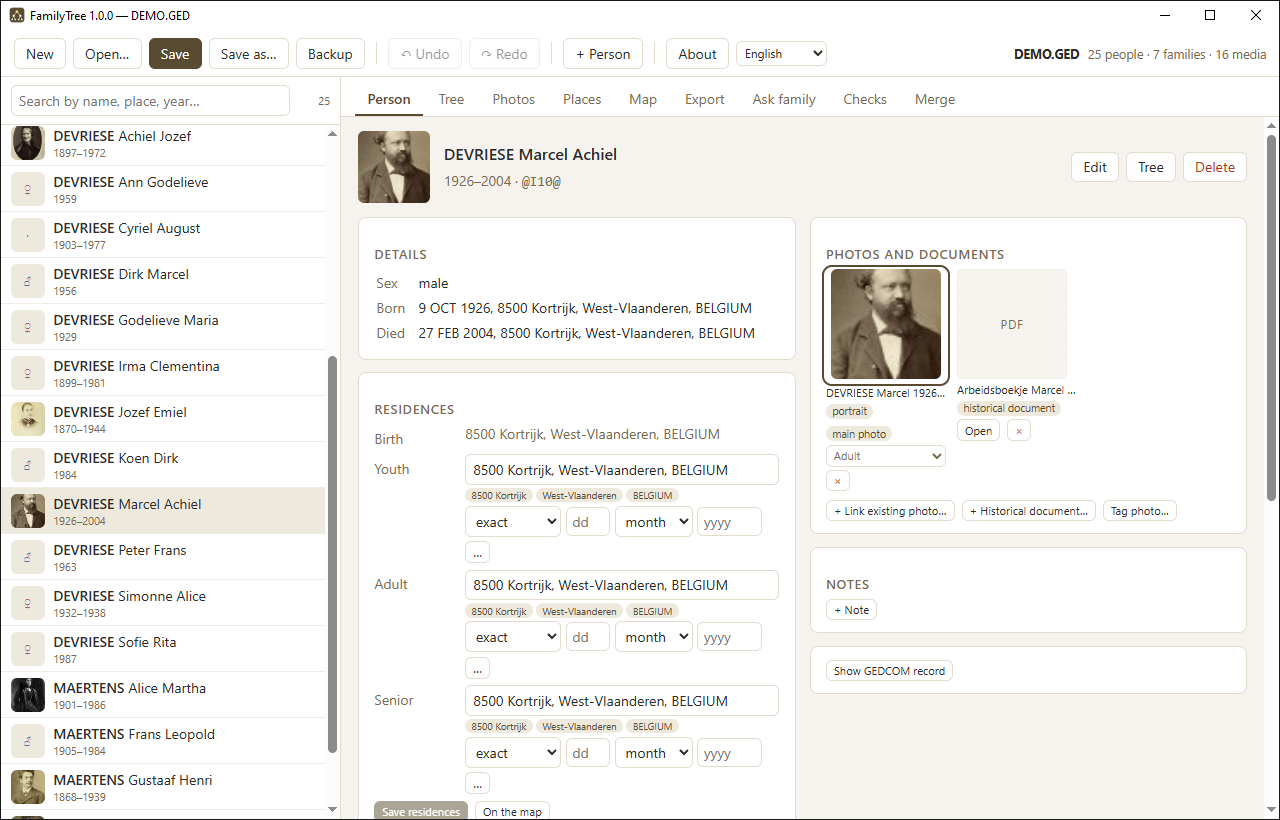
Screenshots
All screenshots use an invented demo family. Click one to see it full size.
PersonEverything about one person on one screen.
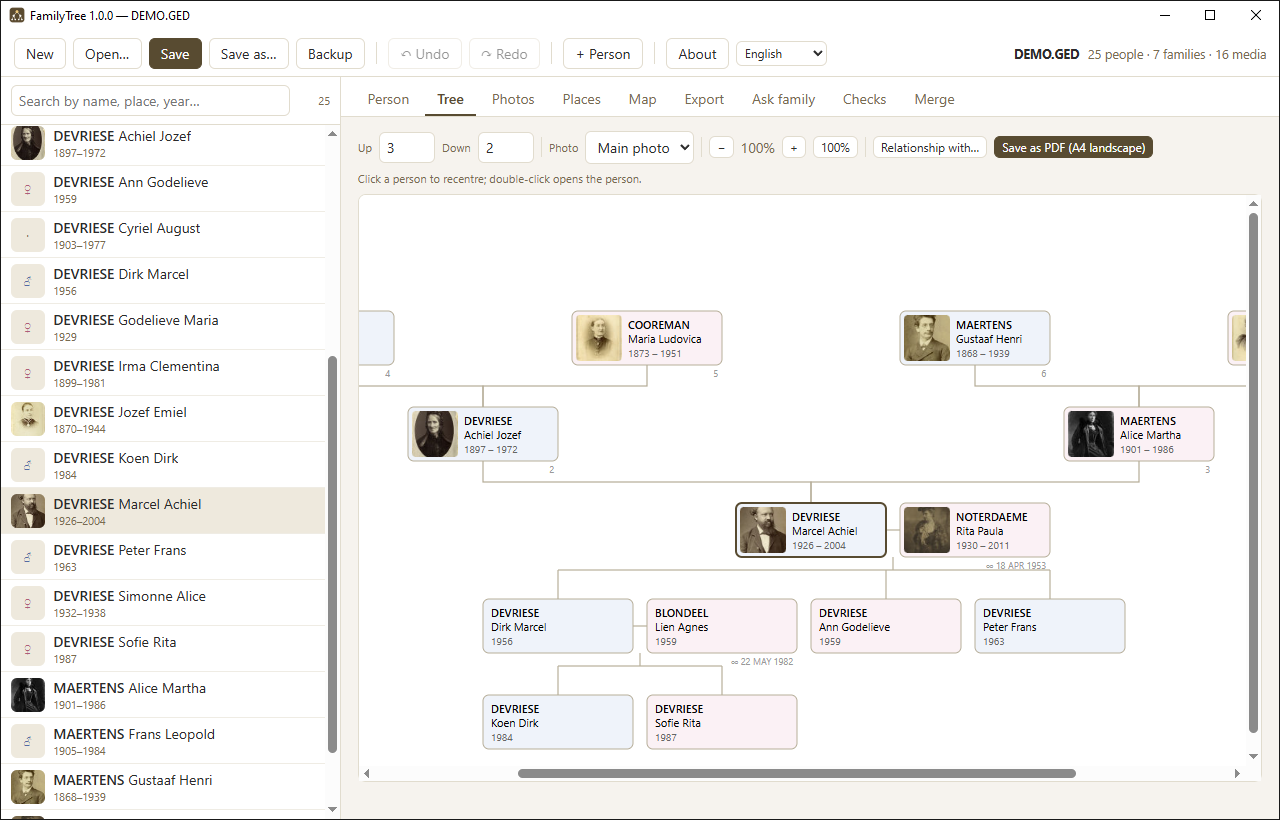 TreeAncestors above, descendants below.
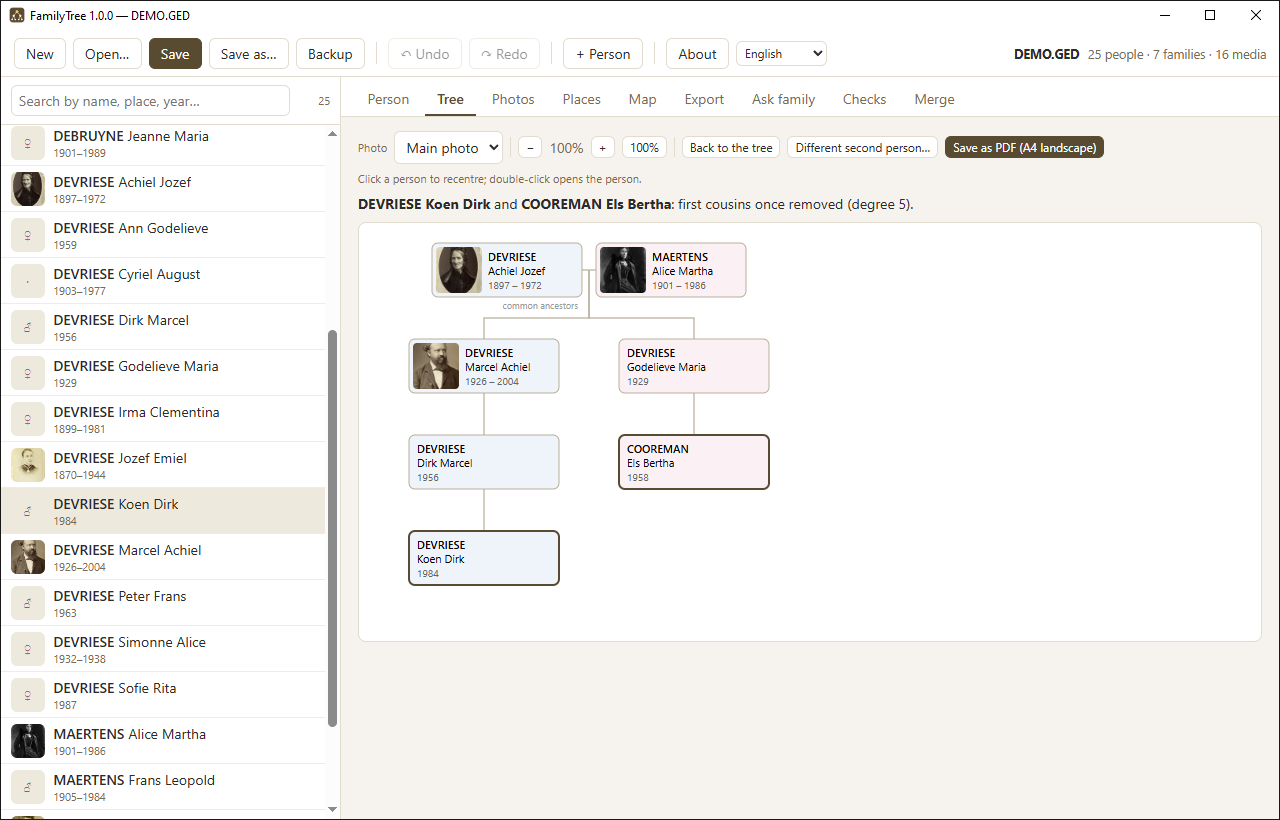 RelationshipHow two people are related, via their common ancestors.
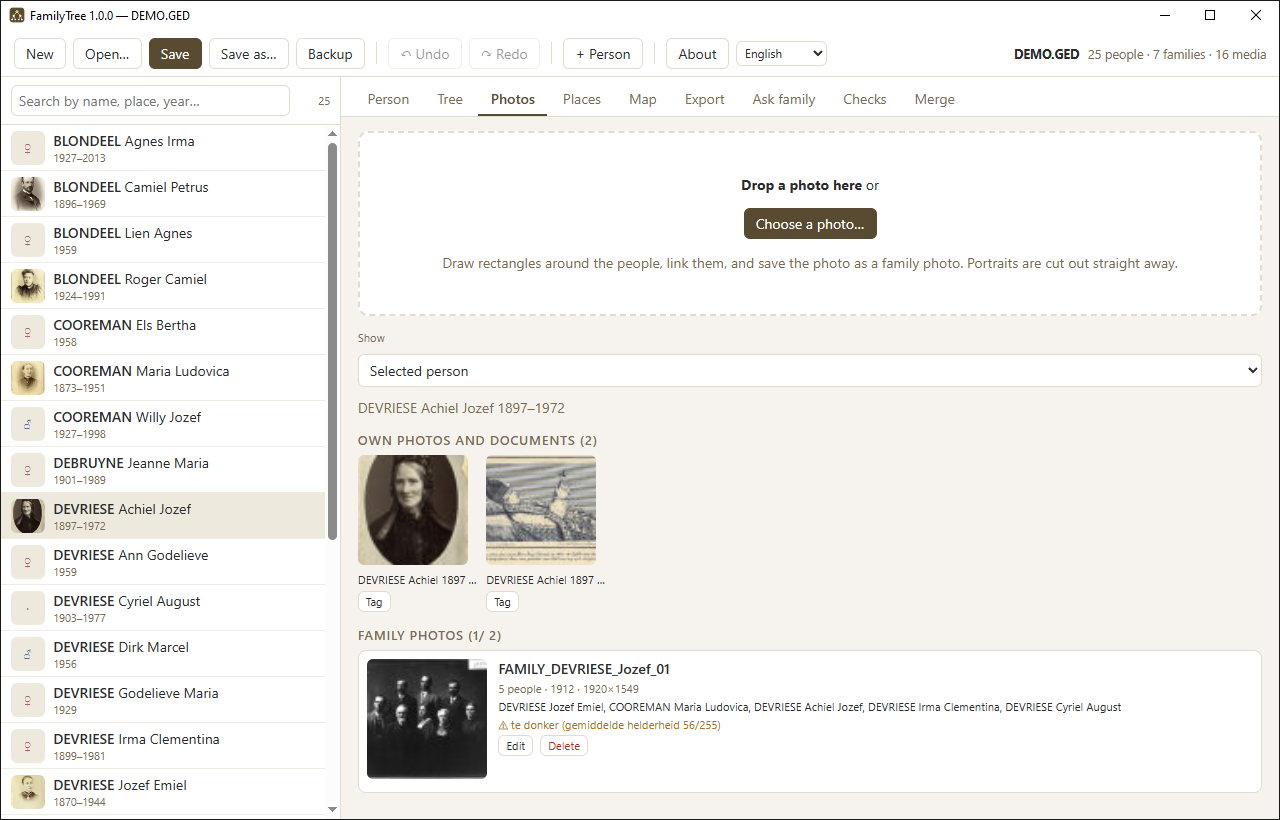 PhotosFamily photographs with the people tagged.
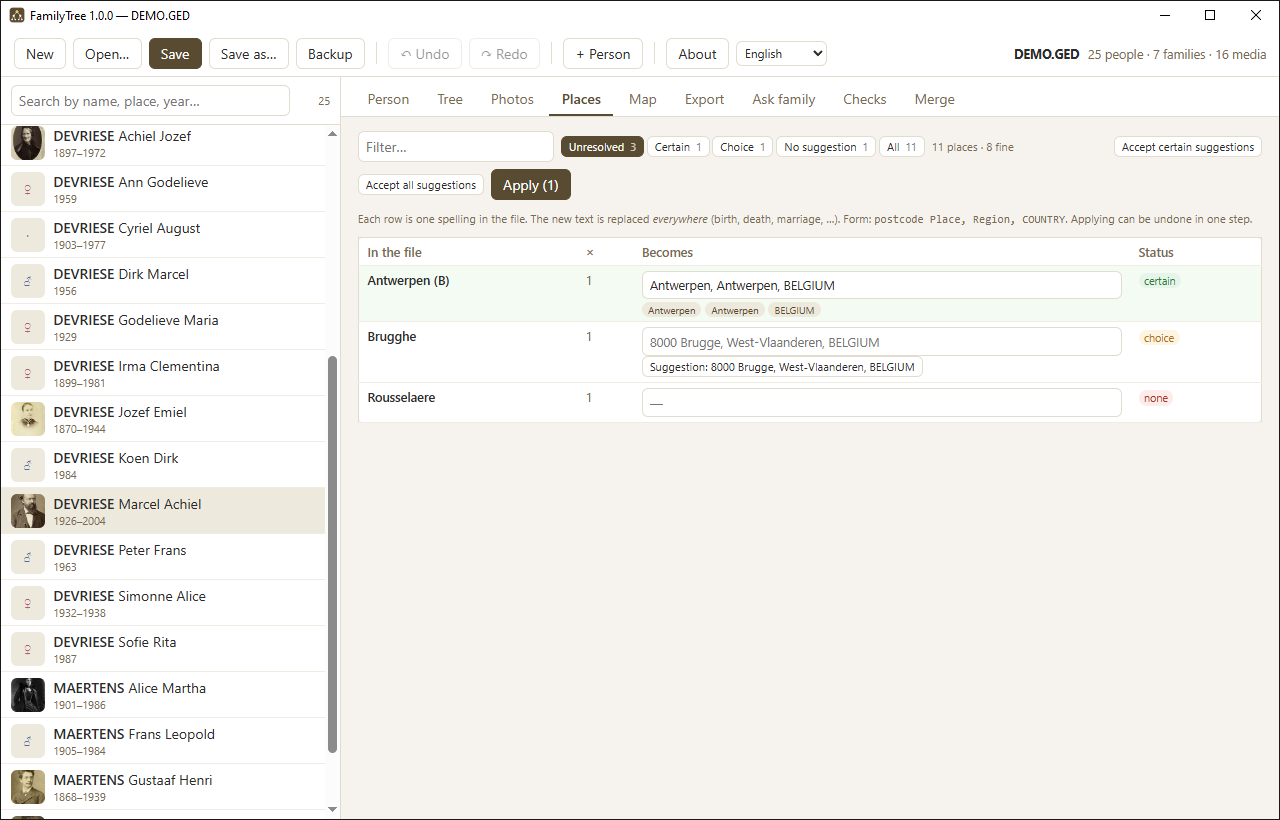 PlacesEvery spelling of a place, straightened out in one table.
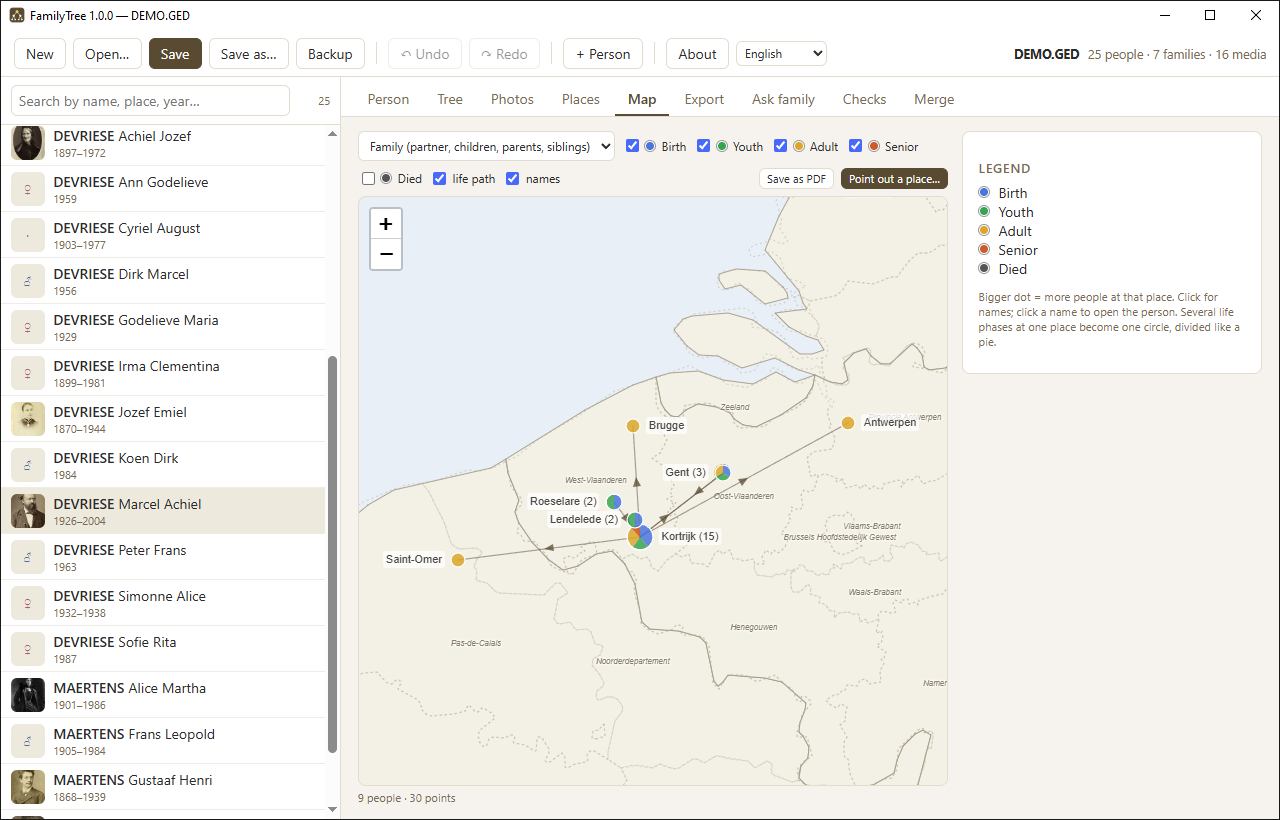 MapWhere people were born, lived and died — offline.
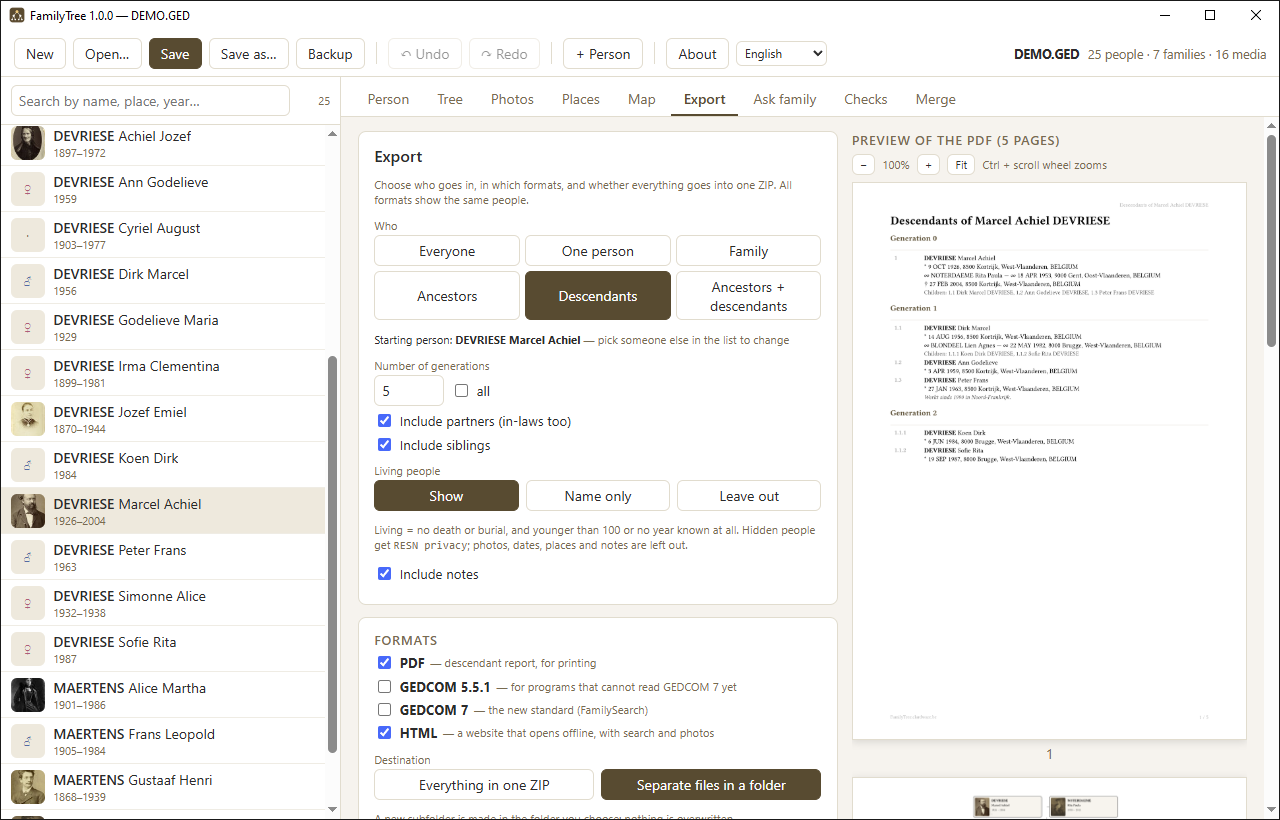 ExportPDF, GEDCOM and a family website, with a live preview.
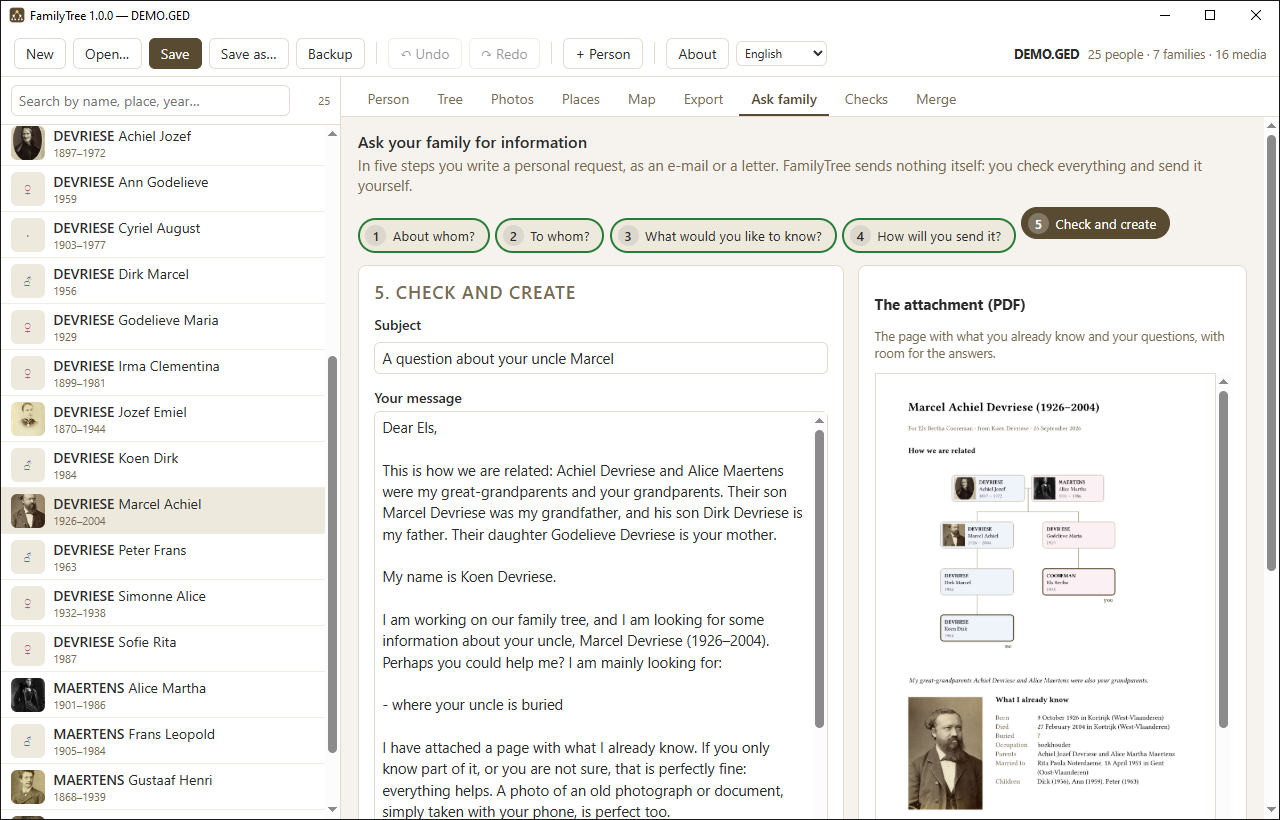 Ask familyA personal letter to a relative, with a page to fill in.
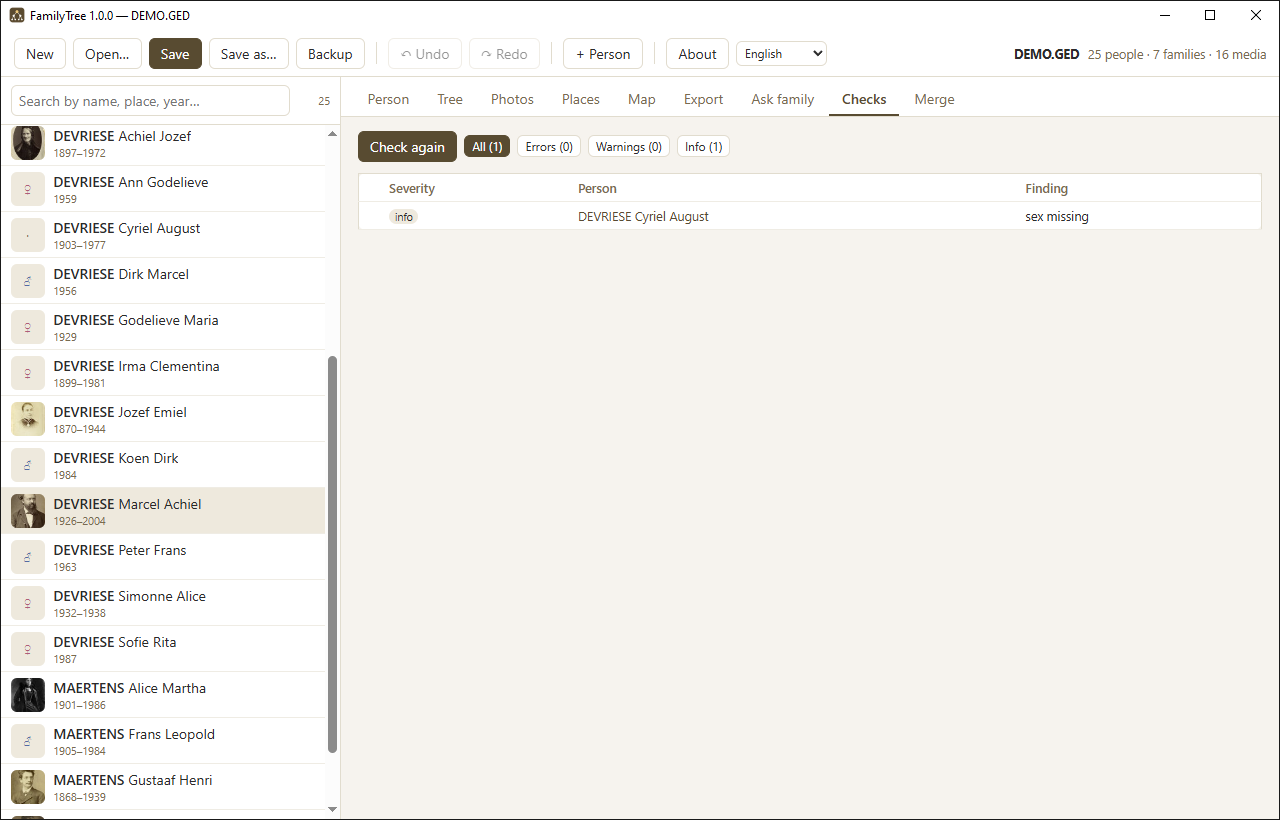 ChecksWhat does not add up, one click from the person.
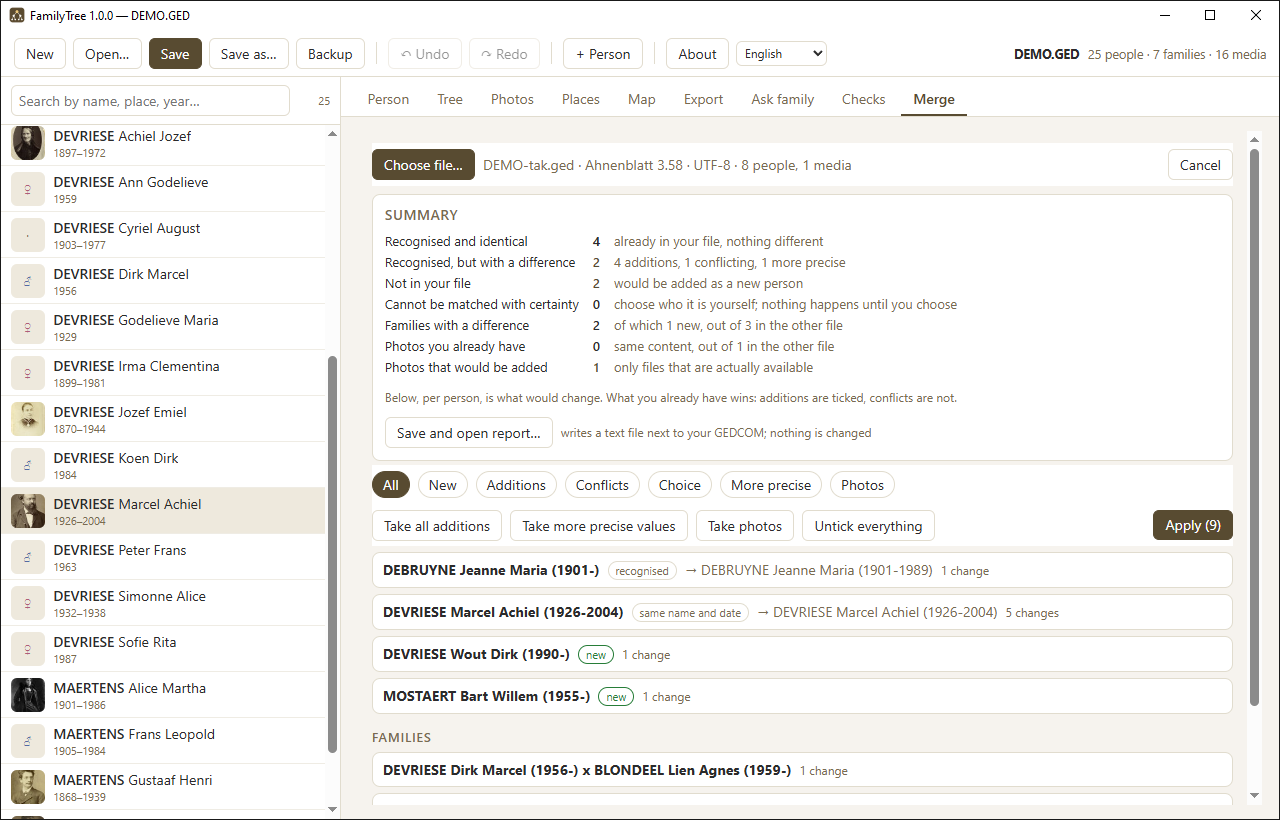 MergeSomeone else's file beside yours, field by field.
What sets it apart
Your file stays yours
FamilyTree edits your own .ged file in place and preserves everything
it does not use itself — including data written by whatever program you came
from.
Face recognition
In a group photograph it finds the faces and suggests names based on the portraits you already have. You confirm; nothing is ever linked automatically.
Background removal
Crop a portrait out of a photograph and take the background away, while the original is always kept. The cut-out appears in the tree and in the PDFs.
Place clean-up
Hundreds of spellings of the same town are straightened out in one table, with proposals from a built-in gazetteer.
A life on the world map
Birth, where someone lived as a child, as an adult and in old age, and death on a world map, joined by arrows in the direction of life — for one person or a whole branch. No tile server, so no internet.
Photos for each phase of life
Mark each portrait as a baby photo, or from youth, adult life or old age. The tree then shows everyone as a child, or everyone later in life, with one choice.
Help asking the family
Ask relatives for what is missing with a personal letter or e-mail in twelve languages, with a page to fill in and a drawing of how you are related. The app never sends anything itself.
How are we related?
Pick two people and see their common ancestors, both lines down, and the relationship in words: first cousins, second cousins once removed, with the degree.
Check a backup
Put an old backup next to your file and see in one overview what is the same, what differs and what exists only in the backup — without changing anything. Duplicate families are found on the Checks tab.
PDFs worth keeping
Ancestor chart, descendant report, fan chart, a map page and numbered family photographs — on A4, to print or pass on.
Merging someone else's file
When a relative or another program hands you a GEDCOM file, FamilyTree places it beside yours and shows, per person, exactly what would change. You tick what may come across. What you already have is never overwritten unless you say so, and the whole merge is one Ctrl+Z away from being undone.
Sharing with family
The Export tab makes a PDF, a GEDCOM 5.5.1 file for programs that cannot read GEDCOM 7 yet, a GEDCOM 7 file or GEDZIP and a family website that opens without internet, all in one go — with the photographs, in a single ZIP if you like. Living people can be reduced to their name, or left out.
Coming from AGES?
FamilyTree opens your AGES file as it is and keeps everything it does not understand. What AGES left behind is only removed when you ask. See moving from AGES.
Contact
A question, a bug or an idea? Write to familytree@clardware.be.
Privacy
FamilyTree sends nothing anywhere. There is no account, no telemetry and no server. Your data lives in your own file, in a folder you choose. See privacy.